项目地址https://github.com/junegunn/fzf
安装 1 sudo apt-get install fzf
zsh安装fzf 项目地址https://github.com/junegunn/fzf
1
2
3
git clone --depth 1 https://github.com/junegunn/fzf.git ~/.fzf cd ~/.oh-my-zsh/custom/pluginsgit clone https://github.com/unixorn/fzf-zsh-plugin.git fzf-zsh-plugin
修改文件vim .zshrc
1
2
3
4
plugins=( ... fzf-zsh-plugin )
我们按ctrl+r 搜索历史命令
fzf-tab和zsh自动补全 这个我感觉要比好用zsh-syntax-highlighting
项目地址https://github.com/Aloxaf/fzf-tab
安装
1 git clone https://github.com/Aloxaf/fzf-tab ${ZSH_CUSTOM:-~/.oh-my-zsh/custom} /plugins/fzf-tab
修改文件vim .zshrc
1
2
3
4
plugins=( ... fzf-tab )
fzf和ranger 在vim ~/.config/ranger/commands.py添加
1 2 3 4 5 6 7 8 9 10 11 12 13 14 15 16 17 18 19 20 21 22 23 24 25 26 27 28 29 30 31 32 33 34 35 36 37 38 39 40 41 42 43 44 45 46 47 48 49 50 51 52 53 54 55 56 57 58 59 60 class fzf_select (Command ): """ :fzf_select Find a file using fzf. With a prefix argument to select only directories. See: https://github.com/junegunn/fzf """ def execute (self ): import subprocess import os from ranger.ext.get_executables import get_executables if 'fzf' not in get_executables(): self.fm.notify('Could not find fzf in the PATH.' , bad=True ) return fd = None if 'fdfind' in get_executables(): fd = 'fdfind' elif 'fd' in get_executables(): fd = 'fd' if fd is not None : hidden = ('--hidden' if self.fm.settings.show_hidden else '' ) exclude = "--no-ignore-vcs --exclude '.git' --exclude '*.py[co]' --exclude '__pycache__'" only_directories = ('--type directory' if self.quantifier else '' ) fzf_default_command = '{} --follow {} {} {} --color=always' .format( fd, hidden, exclude, only_directories ) else : hidden = ('-false' if self.fm.settings.show_hidden else r"-path '*/\.*' -prune" ) exclude = r"\( -name '\.git' -o -iname '\.*py[co]' -o -fstype 'dev' -o -fstype 'proc' \) -prune" only_directories = ('-type d' if self.quantifier else '' ) fzf_default_command = 'find -L . -mindepth 1 {} -o {} -o {} -print | cut -b3-' .format( hidden, exclude, only_directories ) env = os.environ.copy() env['FZF_DEFAULT_COMMAND' ] = fzf_default_command env['FZF_DEFAULT_OPTS' ] = '--height=40% --layout=reverse --ansi --preview="{}"' .format(''' ( batcat --color=always {} || bat --color=always {} || cat {} || tree -ahpCL 3 -I '.git' -I '*.py[co]' -I '__pycache__' {} ) 2>/dev/null | head -n 100 ''' ) fzf = self.fm.execute_command('fzf --no-multi' , env=env, universal_newlines=True , stdout=subprocess.PIPE) stdout, _ = fzf.communicate() if fzf.returncode == 0 : selected = os.path.abspath(stdout.strip()) if os.path.isdir(selected): self.fm.cd(selected) else : self.fm.select_file(selected)
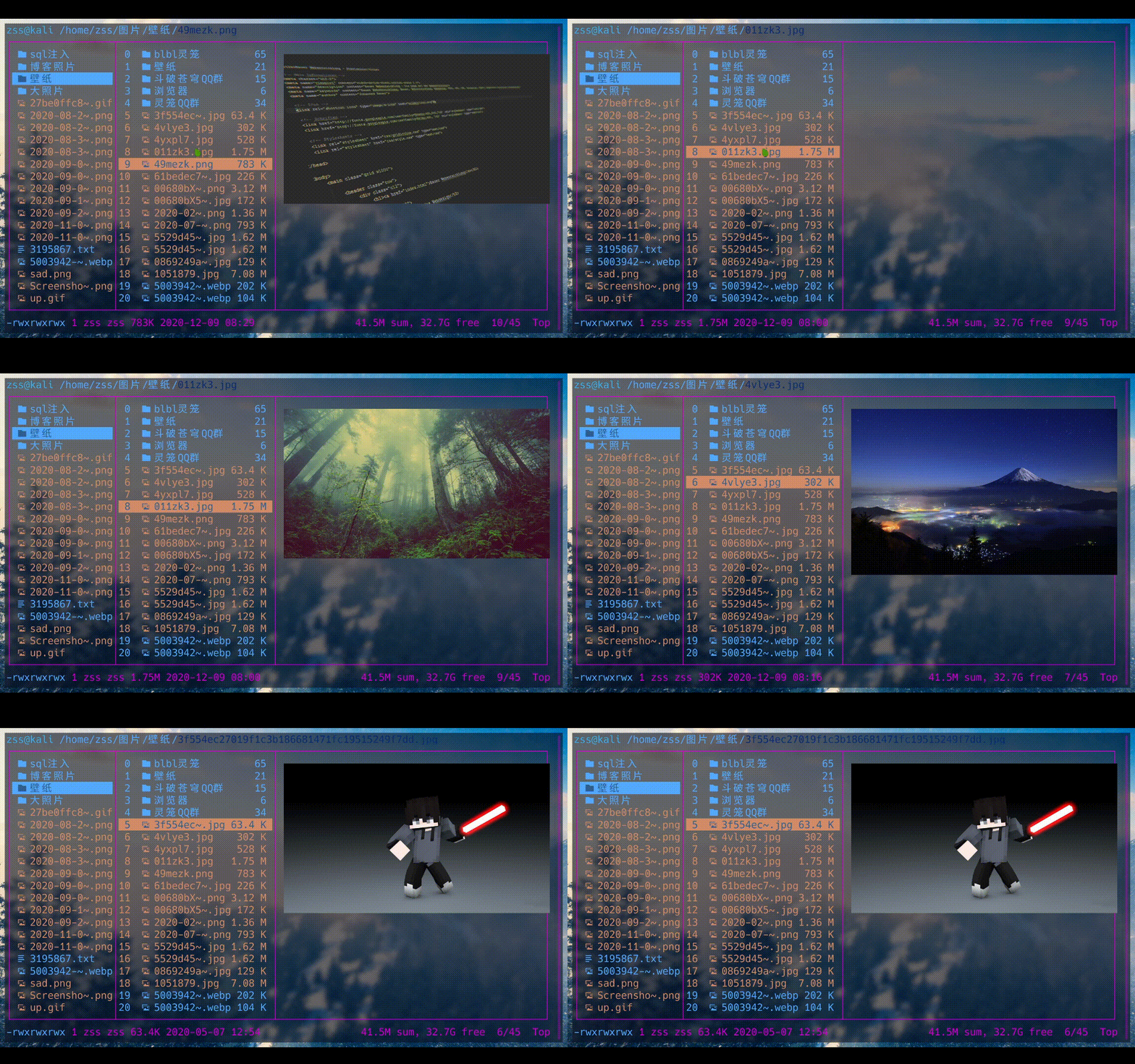
可以通过:fzf_select命令来在ranger中启动fzf查找
配置快捷键vim ~/.config/ranger/rc.conf
在启动ranger我们按\就可以用fzf进行搜索了
使用 在终端输入fzf他就可以搜索了
结合使用 比如vim
布局
1 vim $(fzf --height 50%) # 高度50%打开
默认他是向下的我们可以设置成向上的
1 vim $( fzf --height 40% --reverse )
搜索语法
令牌
比赛类型
描述
sbtrkt模糊匹配
匹配的项目 sbtrkt
'wild完全匹配(引用)
包含的项目 wild
^music前缀完全匹配
开头的项目 music
.mp3$后缀完全匹配
以 .mp3
!fire反向精确匹配
不包括的项目 fire
!^music反向前缀完全匹配
不以开头的项目 music
!.mp3$反后缀完全匹配
不以 .mp3
参考
fzf模糊搜索神器的安装和使用
https://blog.csdn.net/l_changyun/article/details/104089440#t1